 Soon Enough
A countdown app for macOS
Something to look forward to, always in view.
Soon Enough counts the days to your trips, birthdays, launches and holidays, and keeps them in your menu bar and on your desktop where you’ll actually see them.
- 7 days free, every feature
- No subscription
- No account needed
- Notarized by Apple
The Ring widget, counting down live
Thank you
You bought Soon Enough. Thank you!
Your license key
The button opens Soon Enough with your key filled in; click Activate. Works on up to three of your Macs.
Getting your license key…
- Get your license key: sign in to Polar with the email you used at checkout, and it’s listed with your order.
- In Soon Enough, open Settings › License (or click Buy… in the menu bar list).
- Paste the key and click Activate. That’s it, on up to three of your Macs.
Your receipt from Polar is on its way by email. You can always find your key again from Lost your license key? in Soon Enough.
- In your menu barDays to go, one glance up, all day long.
- On your desktopNumber, ring and photo widgets in every size.
- On all your MacsiCloud sync through your own iCloud account.
- Never miss the dayA reminder on the day, the day before, or both.
Menu bar
The next big day, one glance up.
Your soonest countdown sits right in the menu bar. Click it for the whole list, with the days left for each.
Show as much or as little as you likeJust the icon, the days left, or the title and days. Pin one countdown there, or let Soon Enough show whatever’s next.
Hours on the last dayWhen a timed countdown is less than a day away, the count switches to hours.
Hide the Dock iconRun Soon Enough entirely from the menu bar, and have it open at login.


Desktop widgets
Widgets that belong on your desktop.
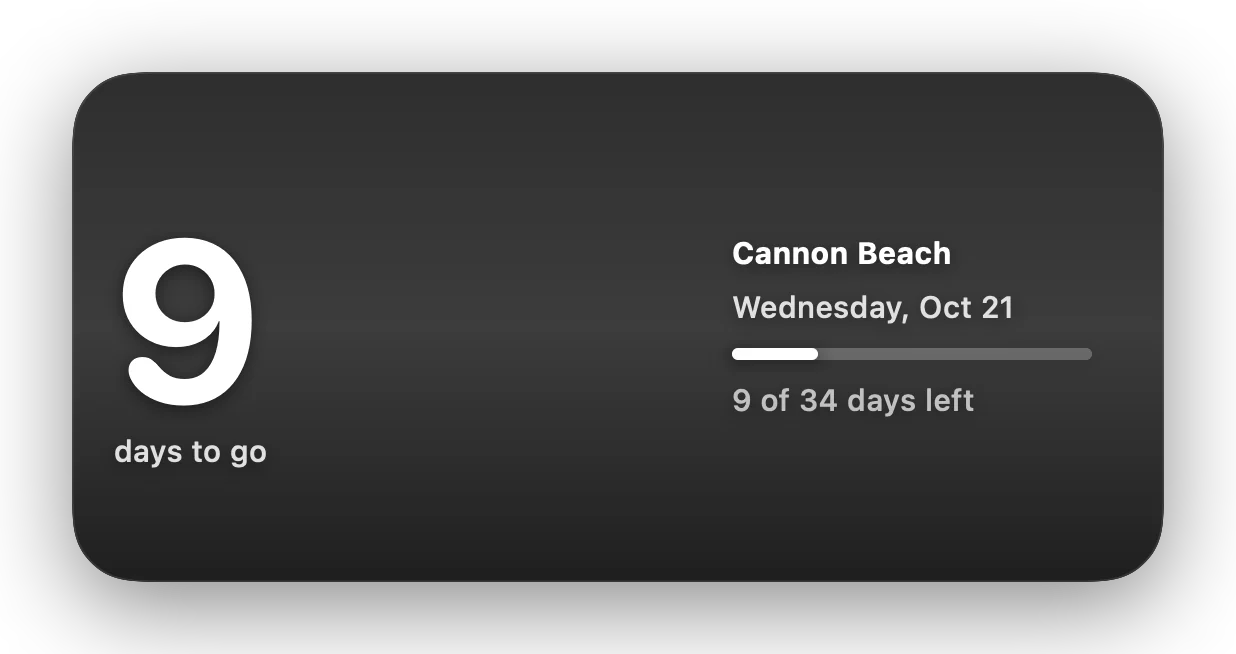
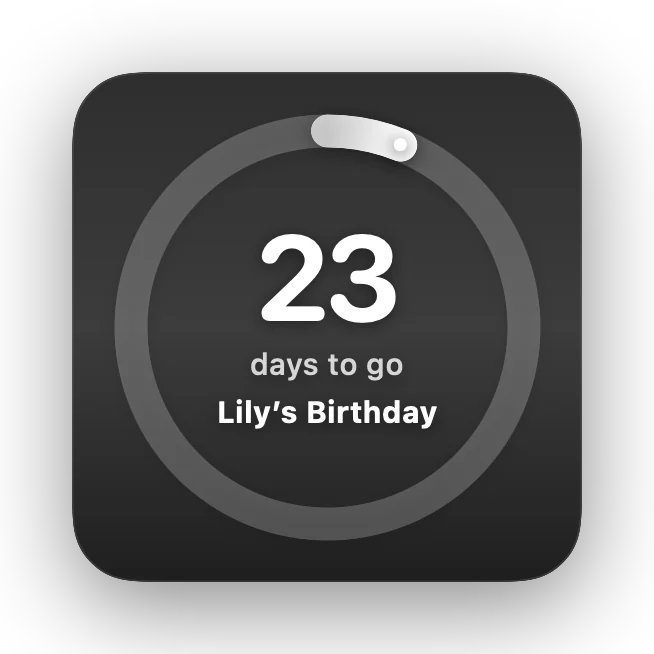
Pick one countdown or show what’s next, then choose a style and a background: a big number, a ring that drains as the day gets closer, or a split-flap Flip Clock, on a plain background, the countdown’s color, or your own photo.
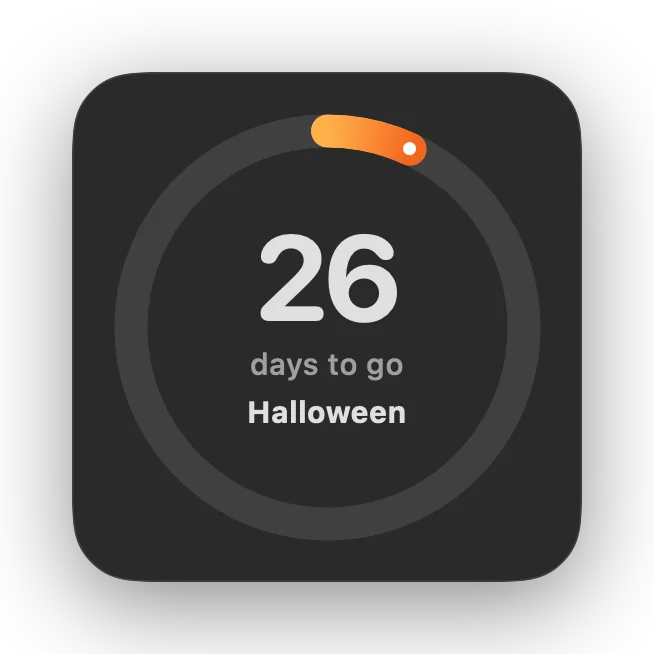
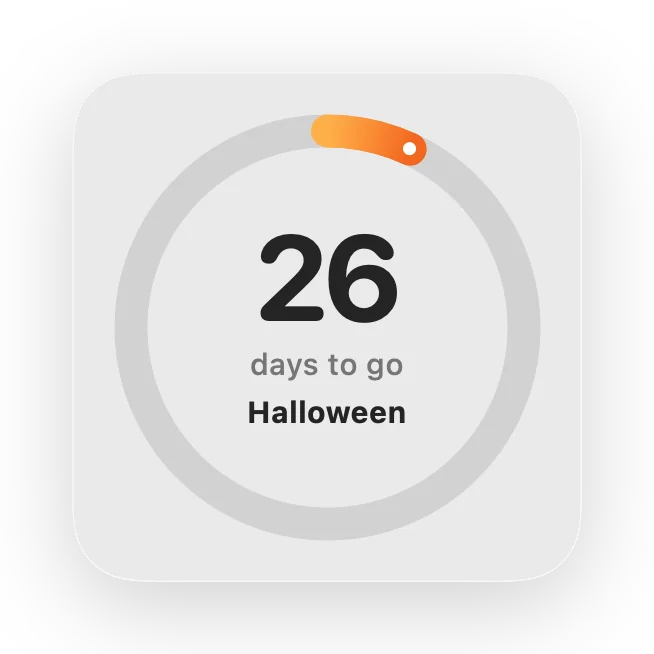
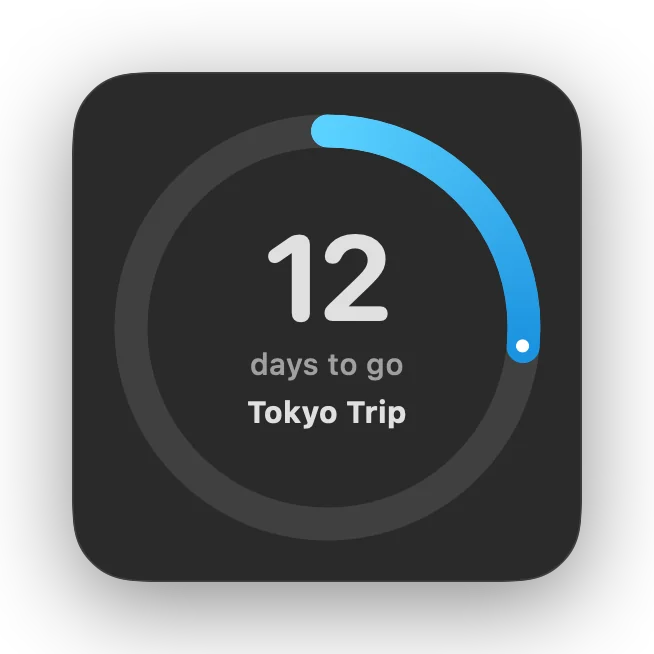
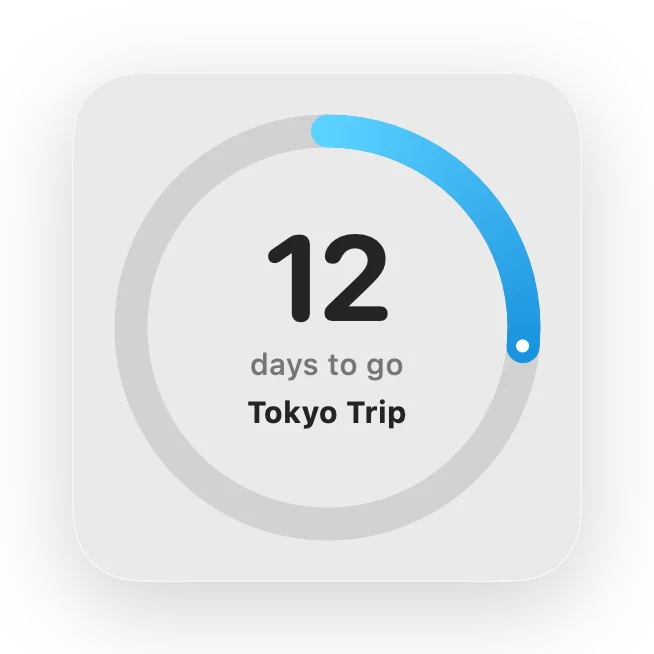
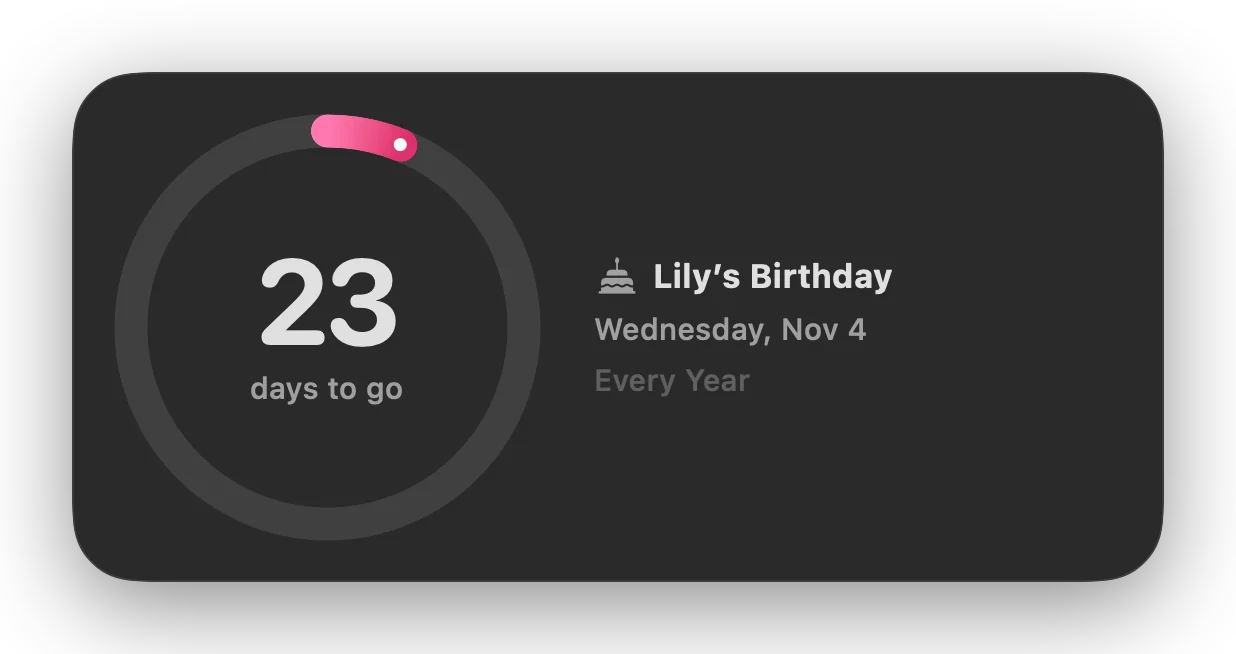
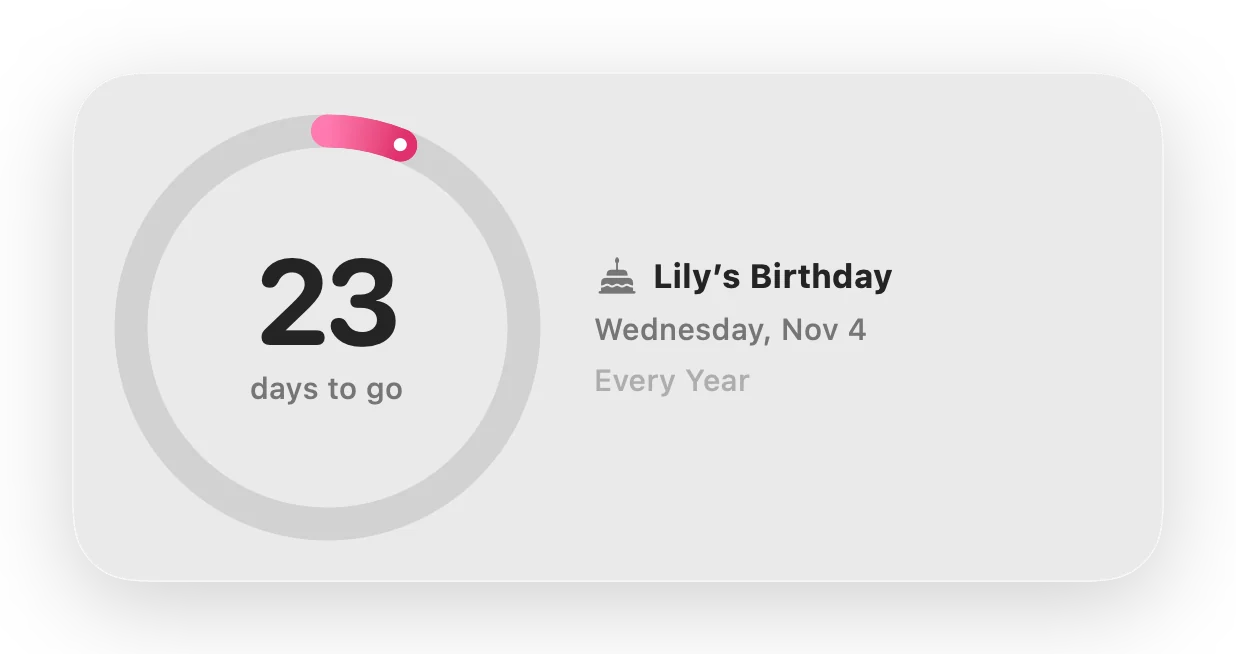
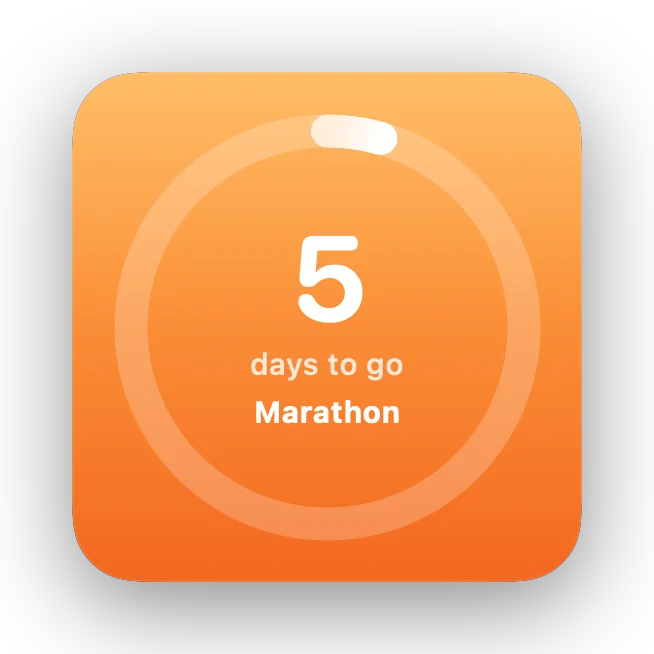
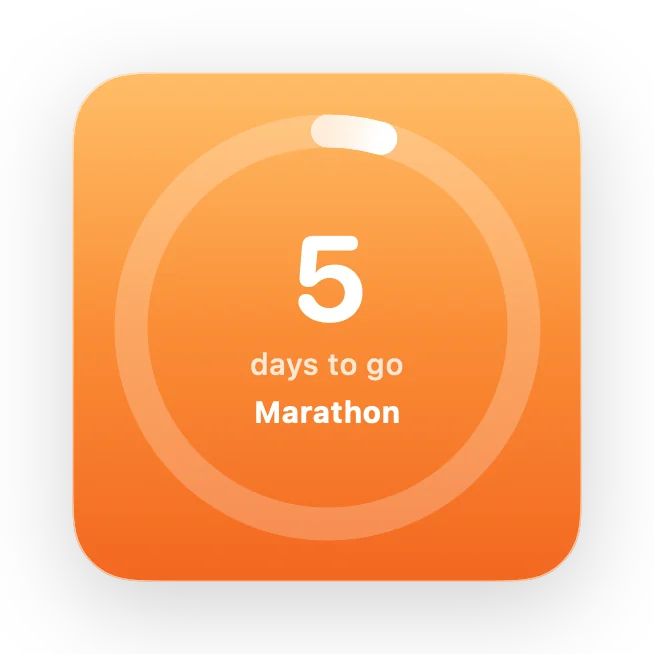
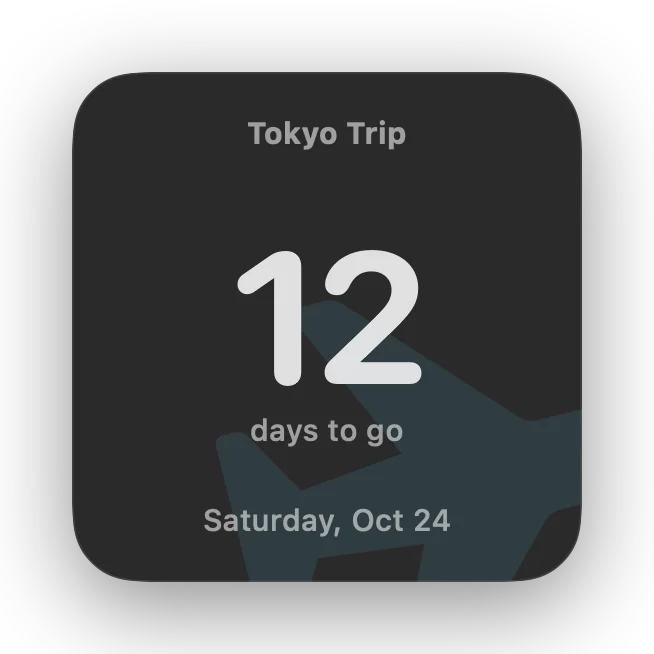
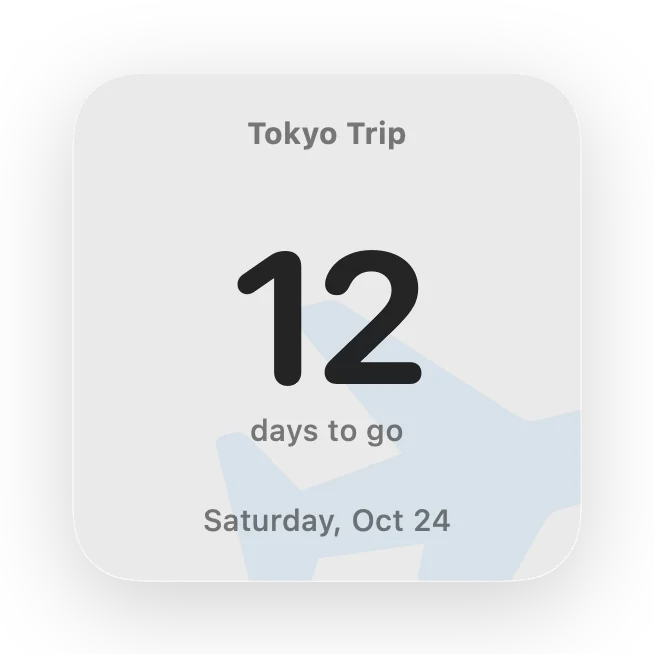
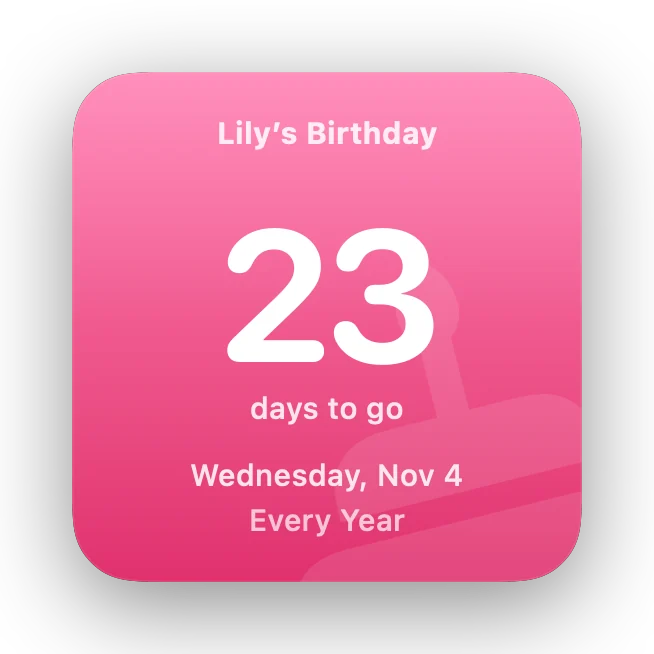
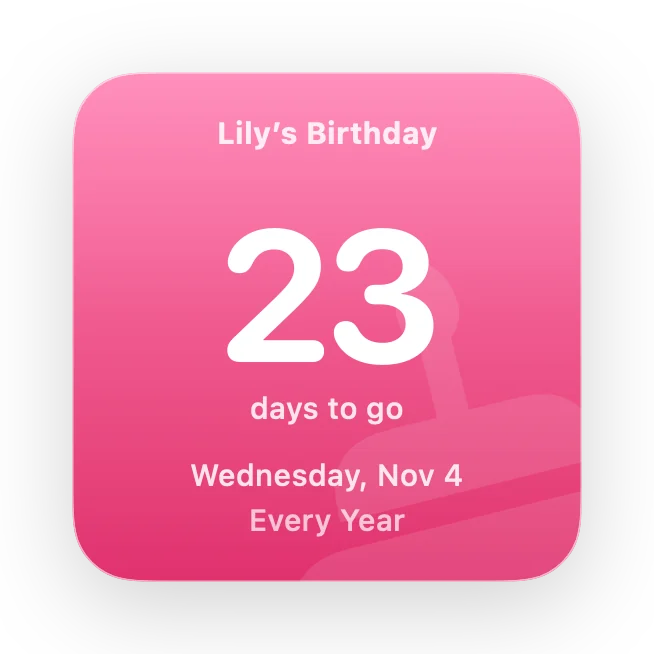
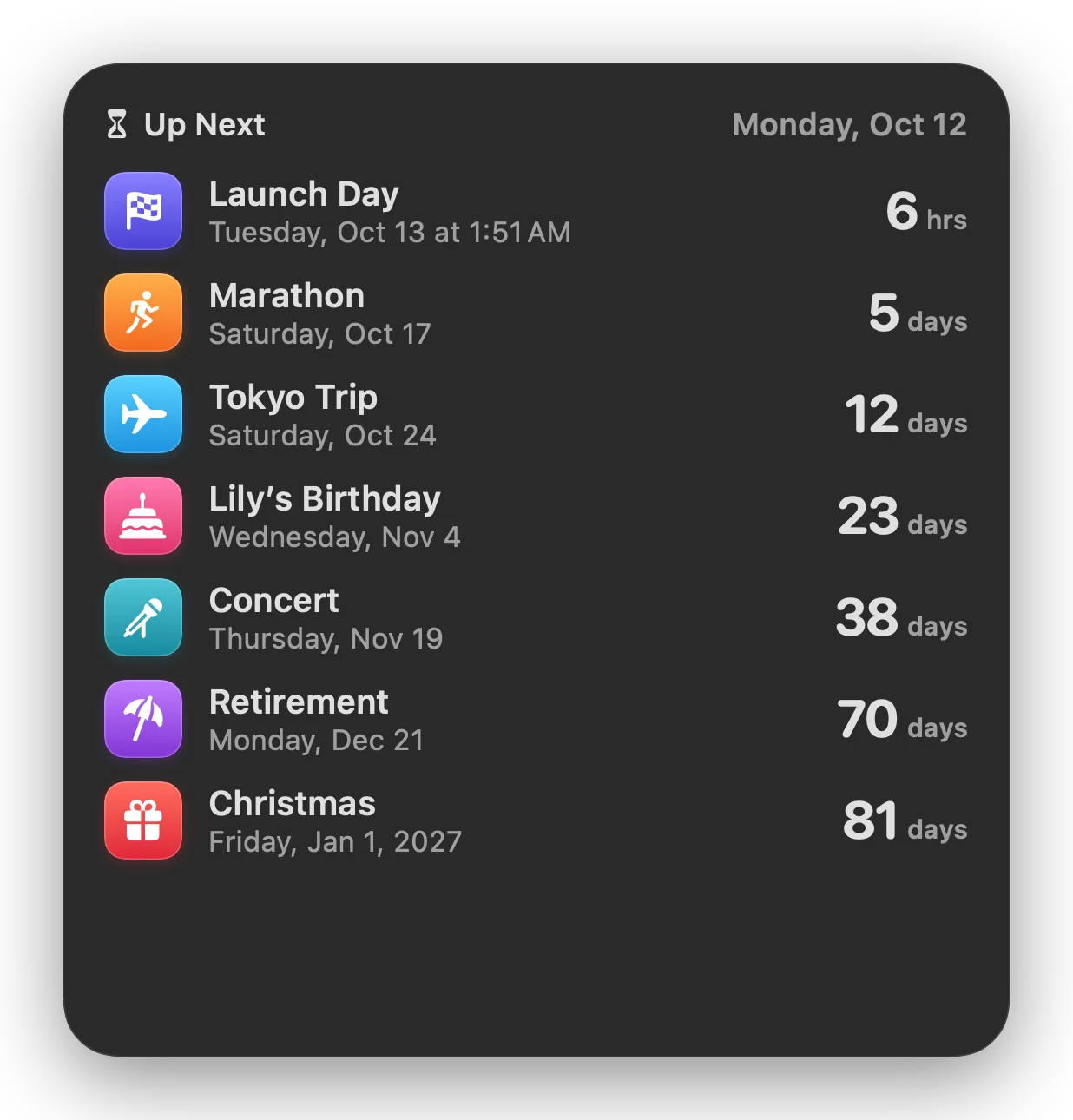
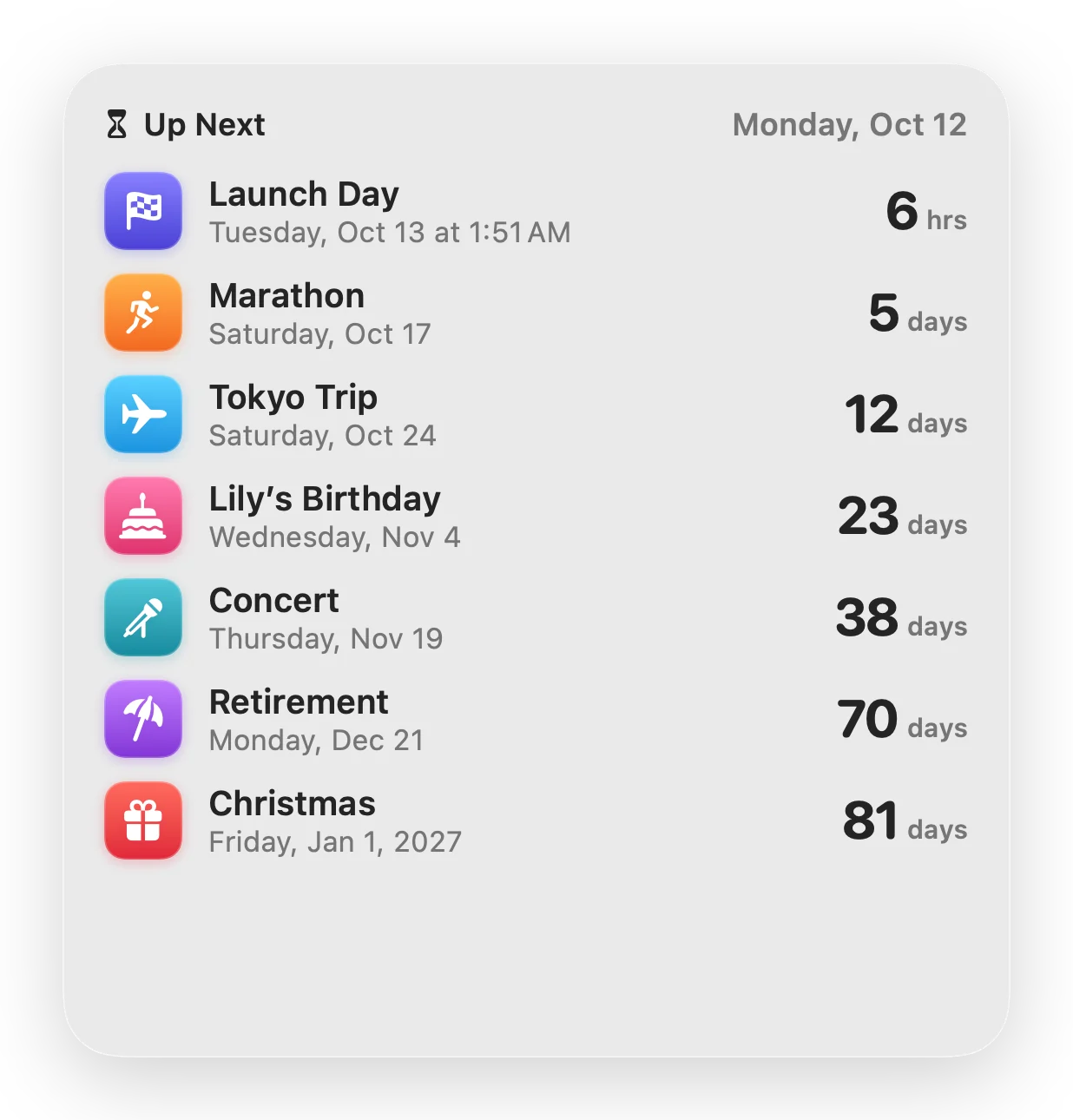
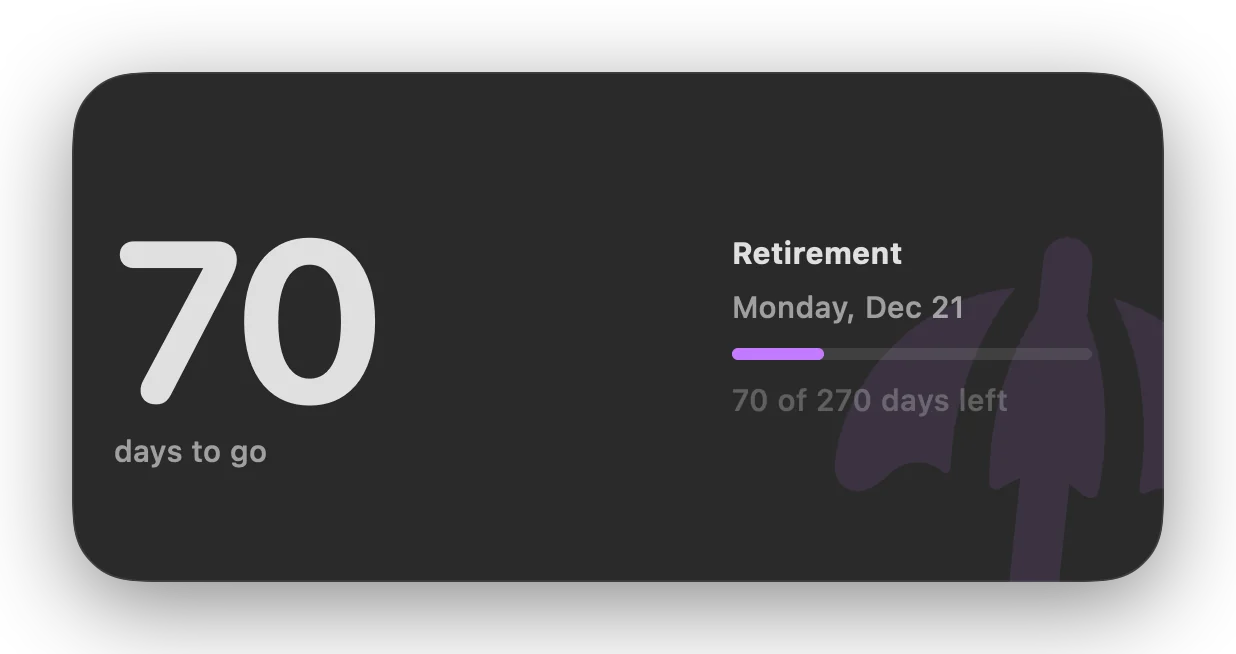
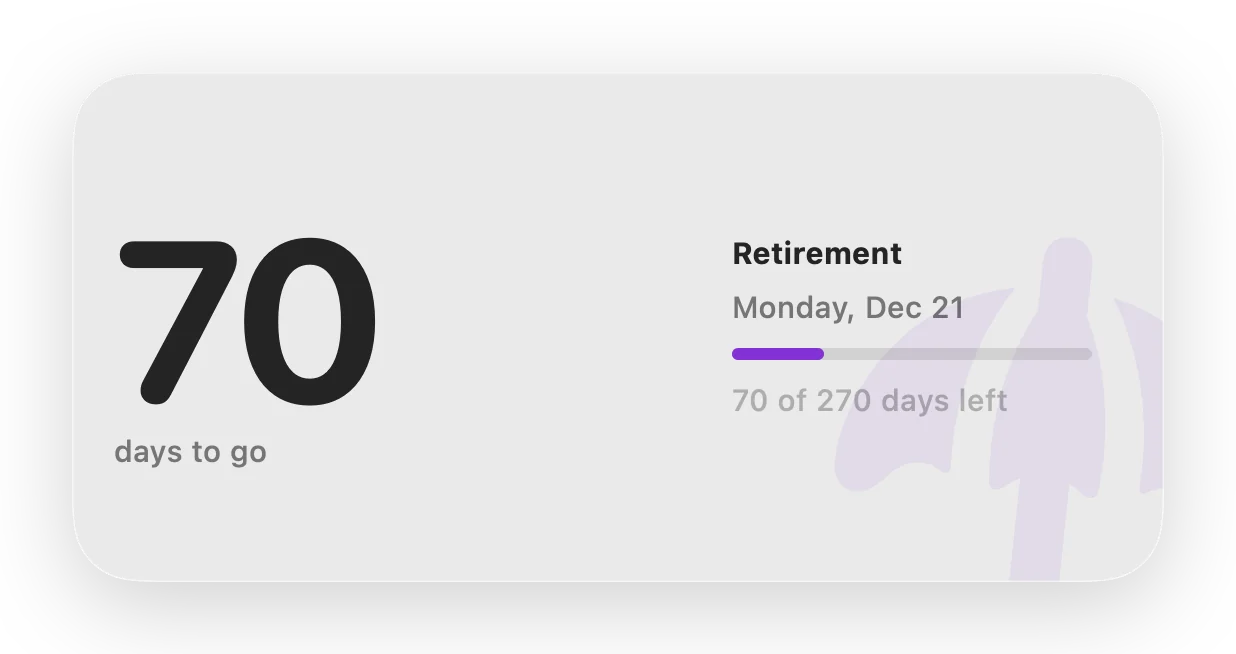
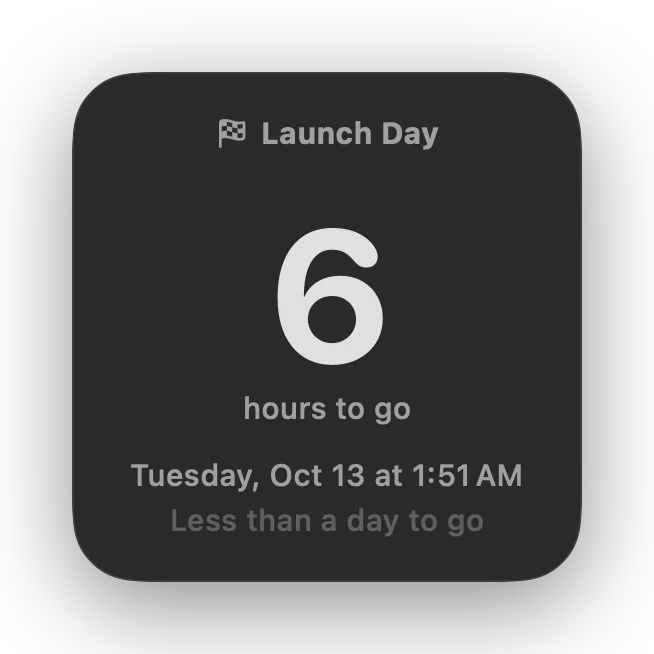
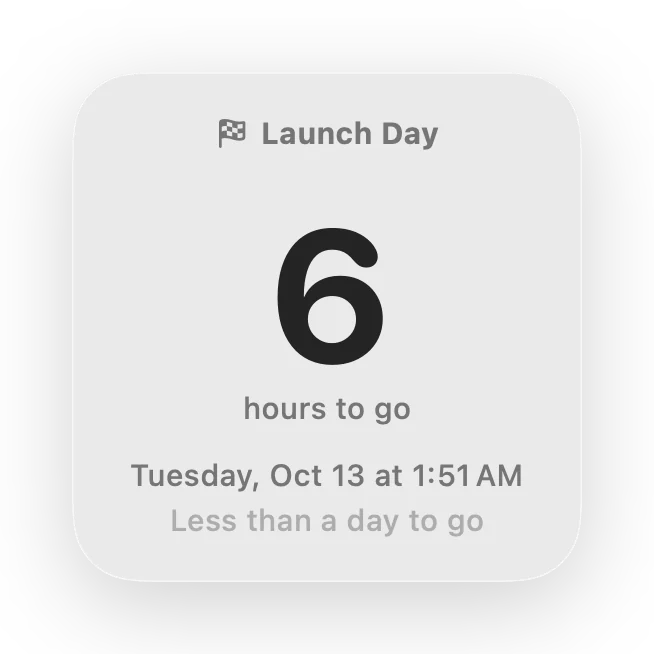
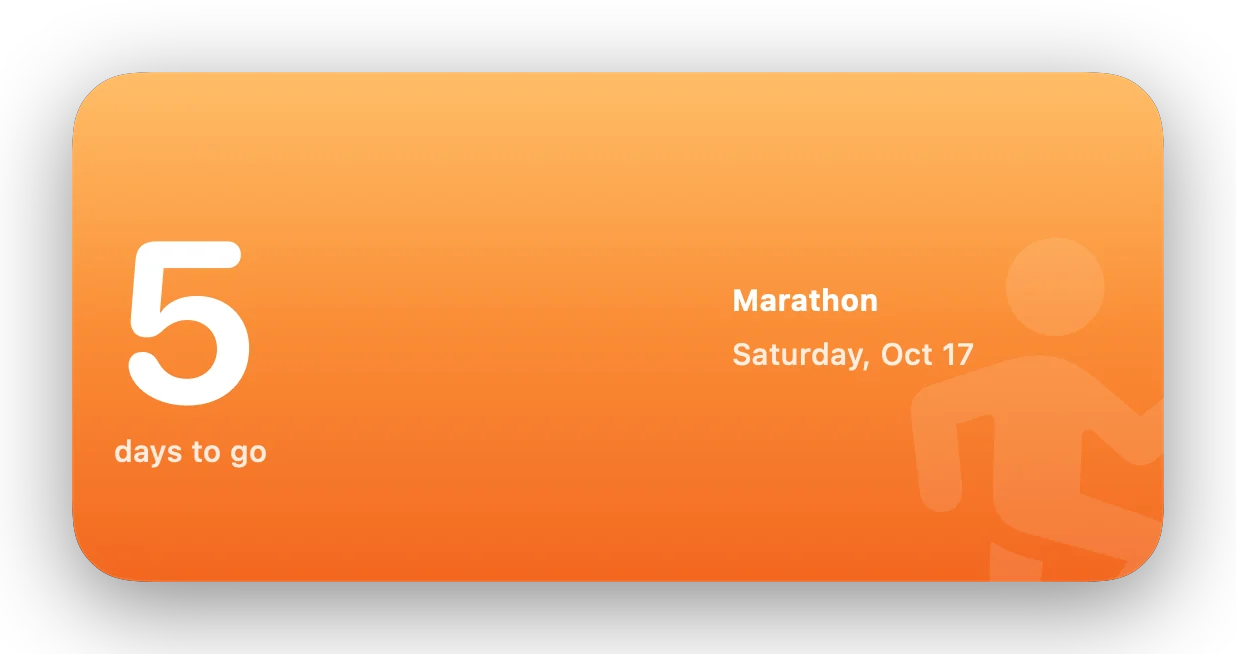
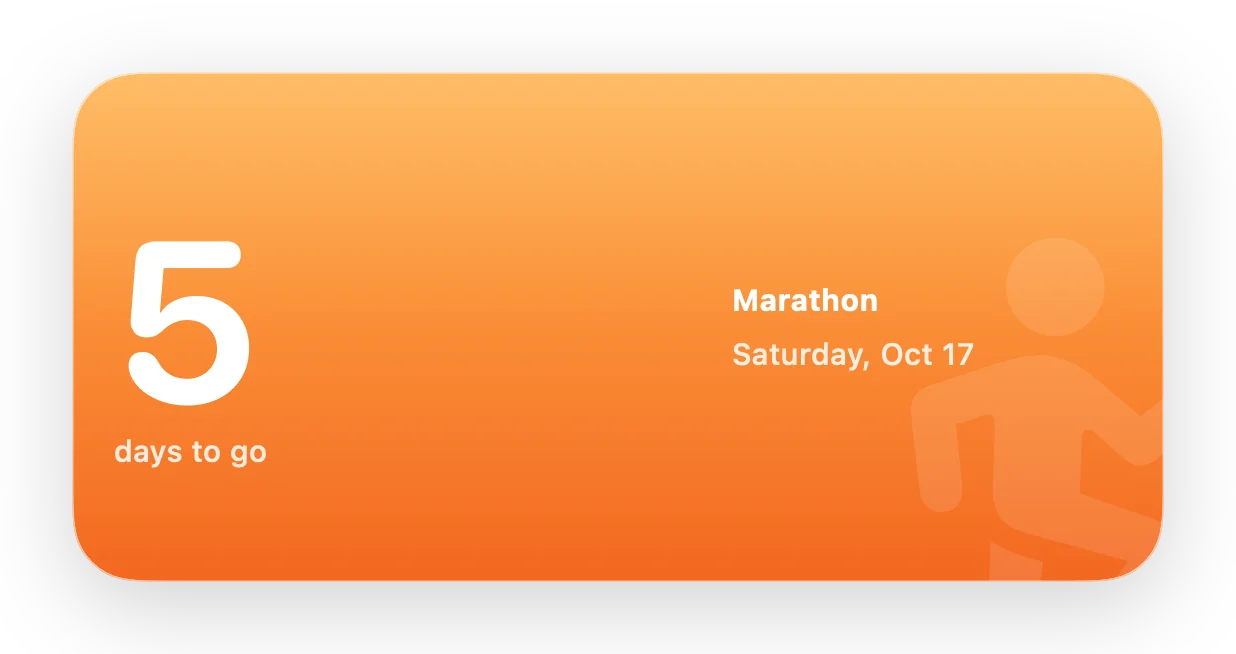
Photo backgrounds
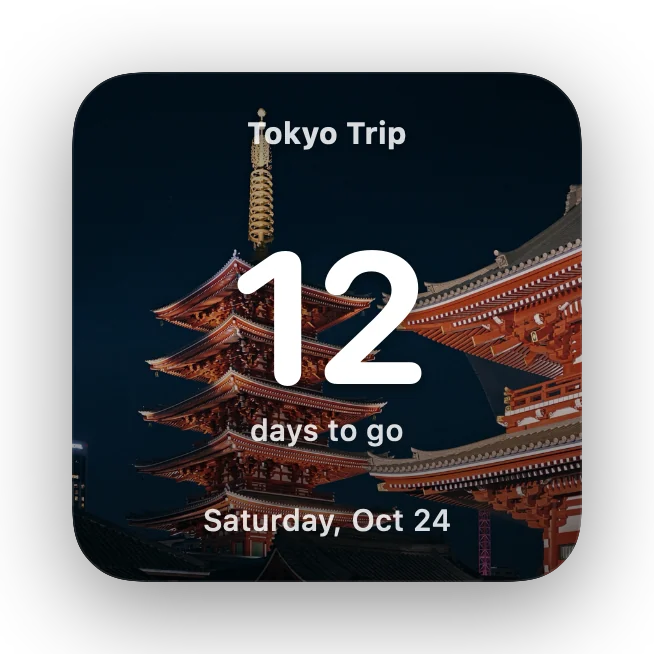
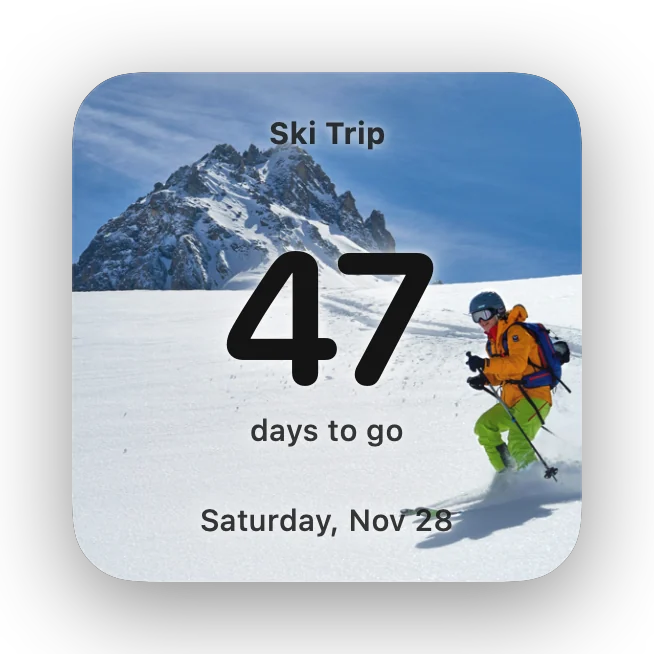
Put the place you’re counting down to behind the number.
Add a photo to any countdown and set a widget’s background to Photo. Soon Enough checks how bright the picture is, so text turns dark on snow and stays white on a night sky. Or pick a text color yourself.
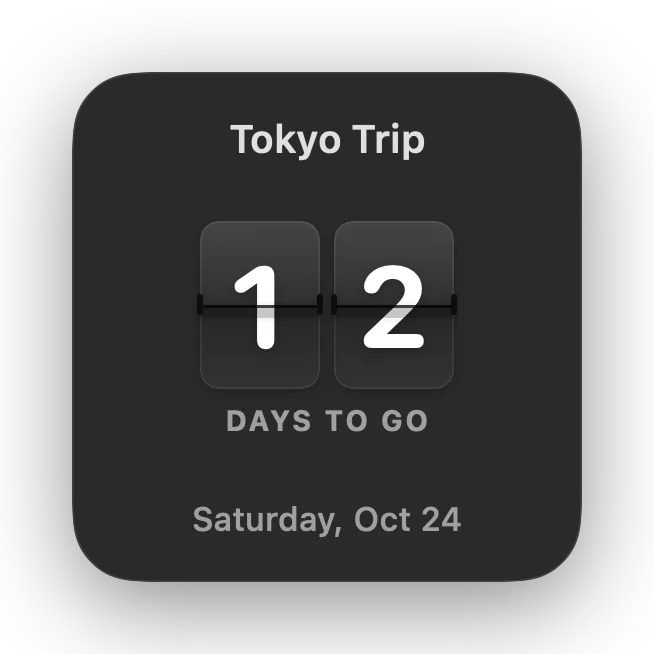
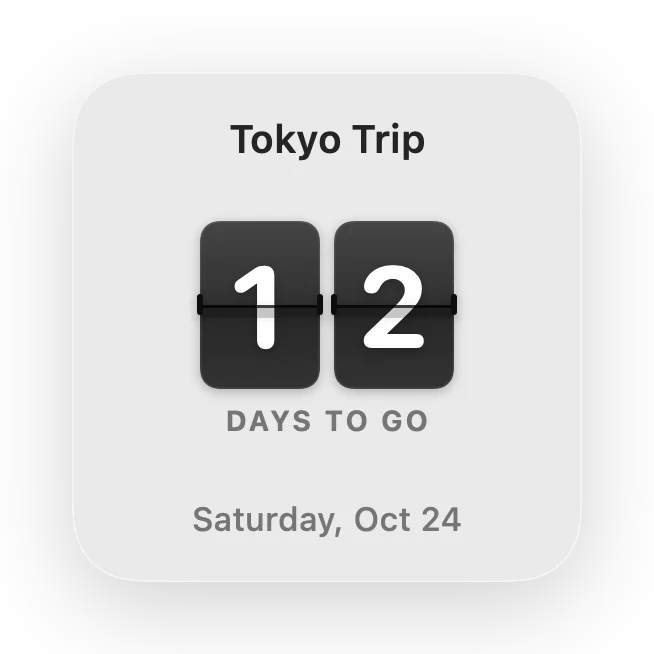
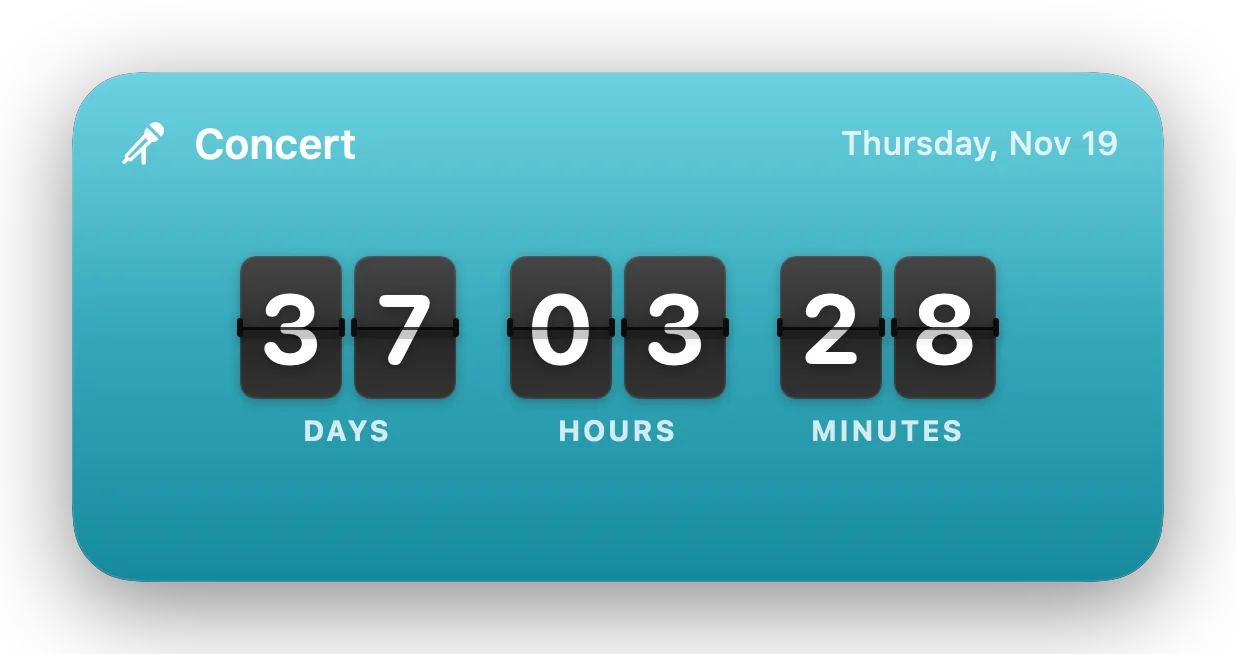
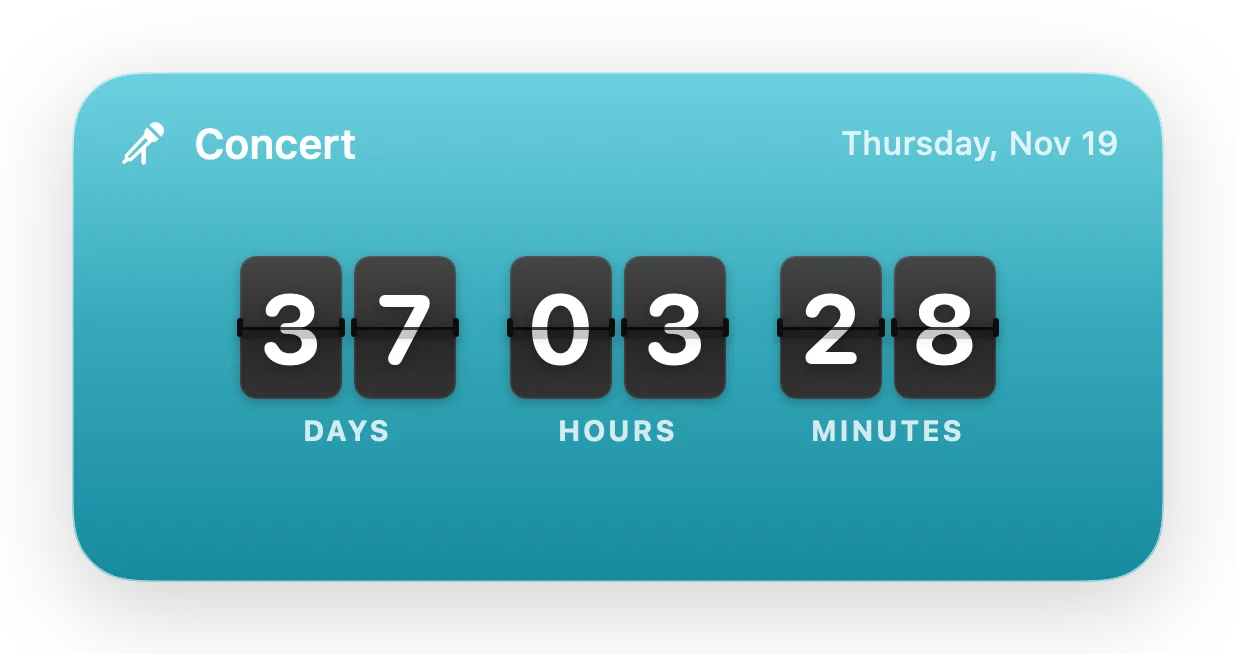
New · Flip Clock
A departure board for the big day.
The Flip Clock style puts your countdown on split-flap cards. The small widget shows the days; the medium one counts days, hours and minutes, updating every minute.
The app
A window worth opening.
Every countdown gets its own card: the days left inside a ring that empties like a timer as the date gets closer, with the days, hours and minutes left underneath.


Make it yours
Fourteen colors. 6,500 symbols.
Give each countdown a color and a symbol. Search Apple’s SF Symbols by name or by what they mean: type “birthday” and you’ll get the cake and the gift.
Birthdays and anniversaries repeat, and roll over to next year on their own.

For students and teachers
Every assignment, counting down.
If your school uses the Canvas Learning Management System, paste your Canvas calendar feed link once. Due dates and course events then count down on their own, grouped and colored by course.
- Always current. Soon Enough refreshes from Canvas every 30 minutes and when your Mac wakes.
- Only what matters. Choose how far ahead to look, switch courses off, and hide what you’ve turned in.
- Private. The feed link stays in your Mac’s Keychain, and Soon Enough only reads due dates from it.
- Off until you want it. Not a student or teacher? Canvas stays out of your way.
Works with your Mac
Ask Siri. Search Spotlight. Sync with iCloud.
Siri and Shortcuts
Ask how long is left, hear what’s next, or add a countdown by voice. Every action is in the Shortcuts app too.
Spotlight
Press ⌘-Space and type a countdown’s name to see it and jump straight to it, without opening Soon Enough first.
iCloud sync
Your countdowns, photos and colors stay the same on every Mac you use, through your own private iCloud account. No other servers involved.
Details
The small things, done properly.
Reminders on the day
Get a notification on the day, the day before, or both, at the time you choose. Timed countdowns alert the moment they begin.
Stays on your Mac
No account. Your countdowns are a small file on your Mac. Soon Enough only goes online to check your license, look for updates, sync through your own iCloud, and read your Canvas Learning Management System calendar if you connect it.
Undo everything
Deleted the wrong countdown or changed a date by mistake? ⌘Z puts it back.
Built for VoiceOver
Every list row, widget and card reads as one clear sentence: “Tokyo Trip, in 12 days, Saturday, October 17.” Reduce Motion is respected.
Keeps itself up to date
Soon Enough lets you know when a new version is ready and installs it when you say so. Every release is notarized by Apple.
Truly native
Written in Swift for macOS, with keyboard shortcuts for everything: ⌘N for a new countdown, ⌘E to edit, ⌘D to duplicate.

What are you counting down to?
Try every feature free for 7 days. If you love it, it’s yours for one small price.
Free trial 7 days
- Every feature, nothing held back
- No account and no credit card
- Your countdowns and widgets keep working after the trial
License $9.99 once
- No subscription
- Use it on up to 3 of your Macs
- Activates in one click after checkout
- 30-day refund, no questions asked
macOS 15 Sequoia or later · Apple silicon and Intel · Checkout by Polar
Questions
Good to know.
Is it a subscription?
No. Soon Enough is free for 7 days, then $9.99 once for a license you can use on up to three of your Macs.
What happens when the trial ends?
Your countdowns, menu bar and widgets keep working. To add or edit countdowns, buy a license in Settings › License.
Which Macs does it run on?
Any Mac with macOS 15 Sequoia or later, Apple silicon or Intel.
Do I need an account?
No. Your countdowns are stored on your Mac. If you turn on iCloud sync, they sync through your own private iCloud account. Soon Enough has no ads, analytics or tracking. See the privacy policy.
How do I add the widgets?
Right-click your desktop, choose Edit Widgets, and search for Soon Enough. Pick a size, then right-click the widget and choose Edit to pick a countdown, a style and a background.
How does the ring work?
Like a timer: it’s full on the day you add a countdown and empties as the day gets closer, so it always shows how much of the wait is left. To start it from when the wait really began, like the day you booked, change Counting from in the editor. Prefer a ring that fills up? Set a Ring widget’s Ring Shows to Time Passed.
Can I use it on more than one Mac?
Yes. One license covers up to three of your Macs, and iCloud sync keeps your countdowns the same on all of them.
Does it work with Canvas?
Yes. If your school uses the Canvas Learning Management System, paste your Canvas calendar feed link in Settings › Canvas, and your due dates count down on their own. See For students and teachers.
What if it’s not for me?
Email support@soonenough.app within 30 days of purchase for a full refund. See the refund policy.
What’s new
Soon Enough 2.0.14
- New: the ring works like a kitchen timer, full when the wait begins and empty when the day arrives, with “63 of 65 days left” on the card.
- Fixed: widgets could turn black after an update; Soon Enough now refreshes them automatically.
- The ring counts down like a timer, and widgets keep their countdown through updates.
- A Flip Clock widget, Counting from dates, and Canvas that connects on all your Macs through iCloud.
- A split-flap countdown clock that flips like a train-station board, and Help › Send Support Report… for quick help.
- Remove your countdowns from iCloud with Delete iCloud Data…, and smoother syncing when you turn iCloud back on.
- After you buy, the thank-you page activates Soon Enough for you in one click.
- Ask Siri “What’s next in Soon Enough?”, use Soon Enough in Shortcuts, and find countdowns in Spotlight.
- A welcome screen with ready-made starters for birthdays, trips and holidays.
- Your trial’s days left in the sidebar, and a notice when an update is ready.
- Free 7-day trial, then a one-time $9.99 for up to three Macs.
- iCloud sync: your countdowns, photos and colors on every Mac.
- Due dates from the Canvas Learning Management System: count down to assignments and course events, grouped by course.
- A new icon, a split-flap countdown clock, and a redesigned countdown view.
- Automatic updates, a full Help guide, and a new About window.
- Soon is now Soon Enough. Your countdowns, photos and settings come along.
- Every emoji on your Mac to choose from, searchable by name.
- Long event names wrap to two lines in widgets instead of being cut off.
- Widgets for a deleted countdown say so instead of switching to another event.
- In a countdown’s final hour the ring sweeps around minute by minute.
- Much lighter on your Mac: no more per-second updates.
Also by Bruce
Other things I’ve built.
Same approach as Soon Enough: native Mac apps that do one job and stay out of the way.

LibreBar
Your FreeStyle Libre glucose in the Mac menu bar: the live reading, trend arrow, a 12-hour chart, desktop widgets, and optional alerts.
librebar.app →
Overhead
See what’s flying over your location. Every aircraft near your home, live on a map, with desktop widgets and fly-over alerts.
seeoverhead.app →
EarlyARC
Catch struggling students early. Reads your Canvas courses and tells you which students need attention, and says plainly why. Read-only and built for instructors.
earlyarc.app →Worth a look
Other cool Mac apps.
Made by other independent developers, and native to the Mac.
LogRaker
Live log monitoring for macOS. Streams logs from SSH servers, local files, CloudWatch, S3, Supabase and Google Cloud into one native Mac window.
lograker.app →
PanoPaper
Live camera wallpaper for macOS. Plays your UniFi Protect and IP cameras behind your desktop icons, with person and animal alerts.
panopaper.app →Privacy Policy
Effective October 12, 2026
Soon Enough is made by Bruce Elgort, an independent developer in Washington State. It doesn’t collect, sell or share your personal information, and it has no ads, analytics or tracking.
What stays on your Mac
Your countdowns, photos and settings are stored on your Mac. If you turn on iCloud sync, they sync through your own private iCloud account, which only you can read.
The only times Soon Enough goes online
- License checks. When you activate a license, and about once a week after, the app sends your license key, an activation ID and your Mac’s name (so you can tell your Macs apart) to Polar to confirm the license is valid.
- Update checks. The app checks soonenough.app for new versions. Like any website, the server sees your IP address and app version.
- iCloud sync, only if you turn it on, handled by Apple under Apple’s privacy policy.
- Canvas due dates, only if you connect a calendar feed from the Canvas Learning Management System. The app reads that feed from your school’s Canvas. The feed’s address is kept in your Mac’s Keychain and, if you use iCloud sync, in your iCloud as an end-to-end encrypted field so your other Macs can connect too.
- Support reports, only when you choose Help › Send Support Report… and press Send. The report (app and macOS versions, your Mac’s model, settings, sync, Canvas and license status, and the app’s recent log) goes to Bruce by email with your note and, if you give it, your email address. It never includes your countdowns’ titles or notes, your license key or your Canvas feed address, and the app shows you exactly what it contains before you send it. Reports are used only to help you.
Purchases
Payments are processed by Polar, our merchant of record. Polar collects your name, email and payment details to process the order, send your receipt and license key, and handle taxes. We receive your name, email and order details from Polar so we can help with support. We never see your full card number.
This website and email
soonenough.app uses no cookies and no analytics. It’s served by Cloudflare, which processes standard request data to deliver and protect the site. If you email support, your message is used only to help you.
Your choices
To ask about, correct or delete what we hold about you (your order details, support emails and support reports), write to support@soonenough.app. Changes to this policy will be posted here with a new date.
Terms of Sale & License
Effective October 9, 2026
By buying or using Soon Enough you agree to these terms.
Trial
Soon Enough is free to try for 7 days with every feature. After the trial, your existing countdowns, menu bar and widgets keep working; adding and editing countdowns needs a license.
Your license
- A one-time purchase gives you a personal license to use Soon Enough on up to three Macs you own or control. You can move it between Macs by deactivating one in Settings › License.
- The license is for the version you buy and the updates published for it. There’s no subscription.
- Please don’t share, resell or publish your license key, or try to get around the licensing.
Purchases and taxes
Orders are processed by Polar as merchant of record, under Polar’s terms. Prices are in US dollars; applicable sales tax or VAT is calculated at checkout.
Updates
Soon Enough checks for updates and can install them for you. Features may change between versions.
No warranty
Soon Enough is provided “as is”, without warranties of any kind. To the extent the law allows, Bruce Elgort isn’t liable for indirect or consequential damages, and total liability is limited to the amount you paid. Don’t rely on it as your only reminder for anything critical.
Governing law
These terms are governed by the laws of the State of Washington, USA. If we update them, the new version applies to purchases made after it’s posted here.
Refund Policy
30 days, no hassle
If Soon Enough isn’t right for you, email support@soonenough.app within 30 days of purchase with the email address you bought with, and you’ll get a full refund. No forms, no questions required.
Refunds go back to your original payment method through Polar and usually appear within 5–10 business days. Once refunded, the license key is revoked, and Soon Enough returns to trial-ended mode (your countdowns stay put).